How-To Guides
Last updated: 8 October 2026
Route by chat
Bind a Telegram chat to a project so messages in that chat automatically route to the right repo.

By Nathan Schram Founder, Little Bear Apps
Bind a Telegram chat to a project so messages in that chat automatically route to the right repo.
Capture a chat id and save it to a project
Run:
untether chat-id --project happy-gadgetsThe project must already exist (untether init happy-gadgets); otherwise the command stops with an Unknown project error telling you to run untether init first. Then send any message in the target chat. Untether captures the chat_id and updates your config:
untether config
untether config set projects.happy-gadgets.path "~/dev/happy-gadgets"
untether config set projects.happy-gadgets.chat_id -1001234567890
toml
[projects.happy-gadgets]
path = "~/dev/happy-gadgets"
chat_id = -1001234567890
Messages from that chat now default to the project.
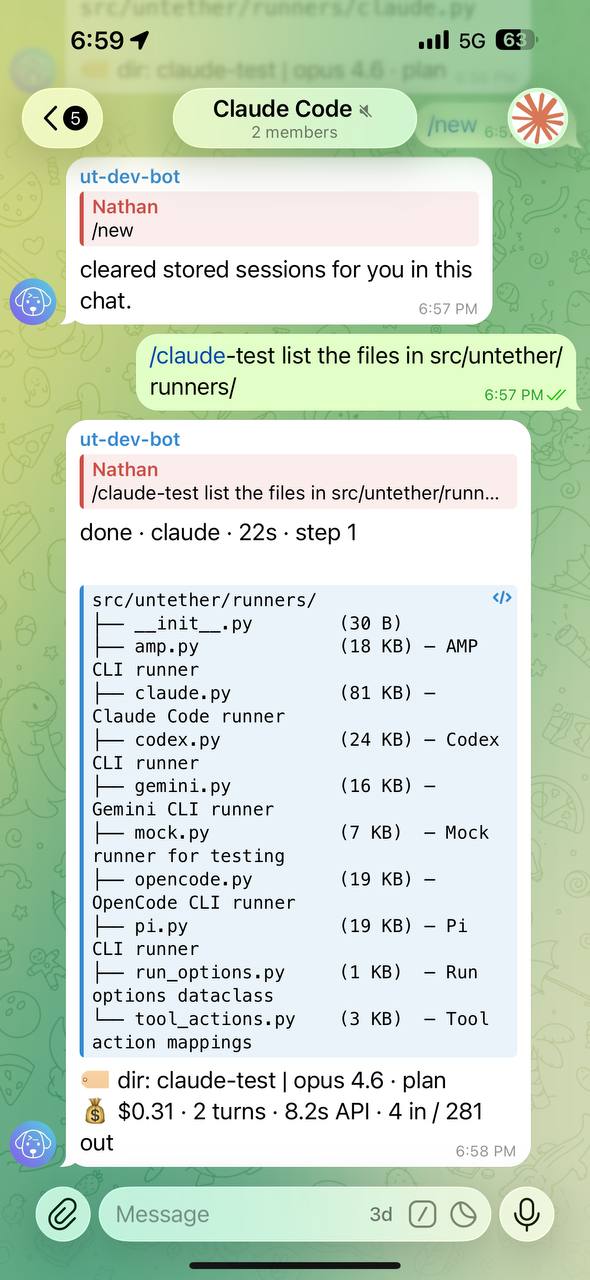
You
fix the failing tests
Untether
done · codex · 8s · step 3
Fixed the two failing assertions in test_auth.py…
dir: happy-gadgets
codex resume abc123
Rules for chat ids
- Each
projects.*.chat_idmust be unique. - A project
chat_idmust not matchtransports.telegram.chat_id. - A project that breaks either rule is skipped at startup (logged as
project.skipped.duplicate_chat_idorproject.skipped.chat_id_matches_transport); the rest of the config still loads. - Telegram uses positive IDs for private chats and negative IDs for groups/supergroups.
Capture a chat id without saving
untether chat-idRelated
Was this helpful?
Thanks for your feedback!
Related Articles
ReferenceContext resolutionThis page documents how Untether resolves run context (project, worktree/branch, engine) from messages. For step-by-step usage, see Projects and Worktrees.ReferenceTriggersThe trigger system lets external events start agent runs automatically.ReferenceTelegram TransportTelegramClient is the single transport for Telegram writes. It owns a TelegramOutbox that serialises send/edit/delete operations, applies coalescing…